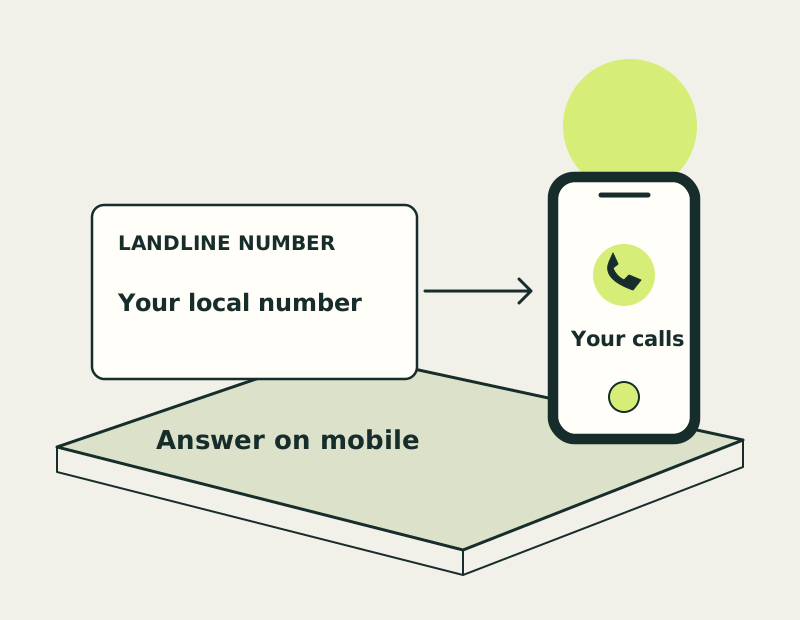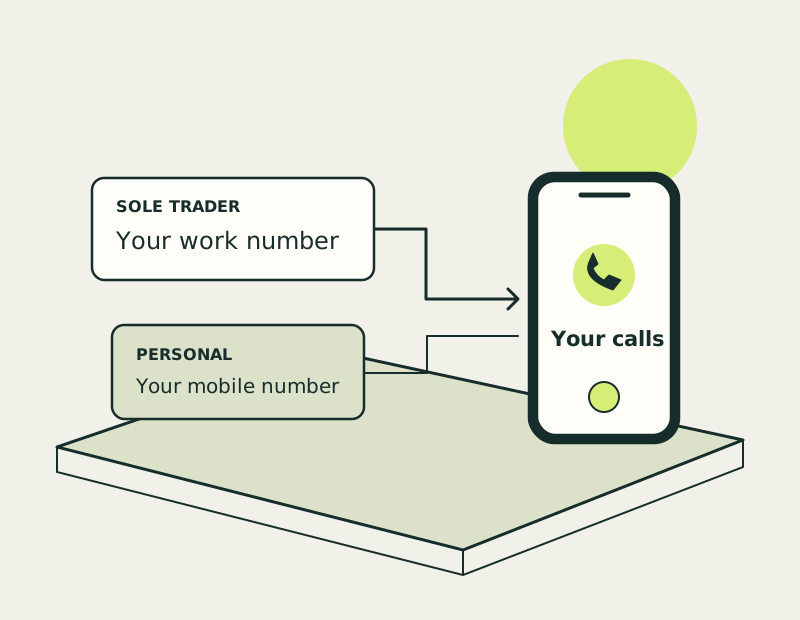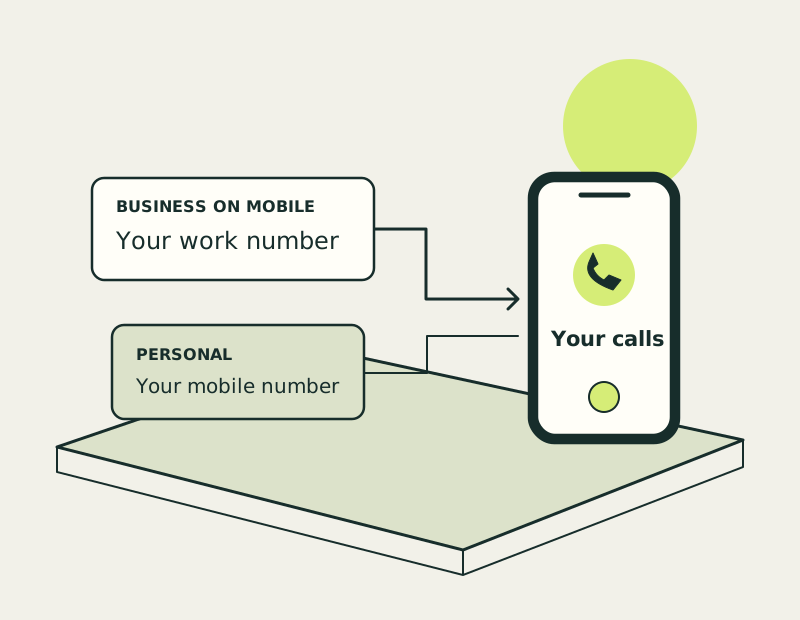
Keep work and personal numbers distinct
A separate business number is the number you give customers. Your mobile is one possible way to answer it. Decide whether you need only incoming calls or a way to make outgoing business calls too.
App answering or mobile forwarding
Calls may arrive through a supported app or be forwarded to your mobile. Check how the incoming call is identified so you know when to answer as the business. Forwarding and app answering can use different allowances.
Show your business number on callbacks
When you tap a missed call in your ordinary mobile history, you may call back using your personal number. Use the plan’s supported outbound method when you need customers to see the business number. Confirm how it works before changing your routine.
Check mobile compatibility and call charges
App calls need a suitable data connection; forwarded calls rely on the receiving phone’s service. Check battery use, coverage, voicemail and charges for your normal working locations, particularly if you travel abroad.
Compare mobile business calling plans
Review plans for the combination you need: incoming delivery, call identification and outgoing identity. Test a call in each direction after setup so the number works the way you expect.
A few practical answers
Use a Business Number on Your Mobile: common questions
Will I know a call is for my business?
Check the plan’s app display or call-identification features. Do not assume every forwarded call is labelled as a business call.
Can I call back using the business number?
Use the supported app or outbound calling route for that plan. Your normal mobile dialler can expose your personal number.
What happens when my mobile has no connection?
The behaviour depends on the setup and voicemail or routing settings. Check this before relying on it for customer enquiries.