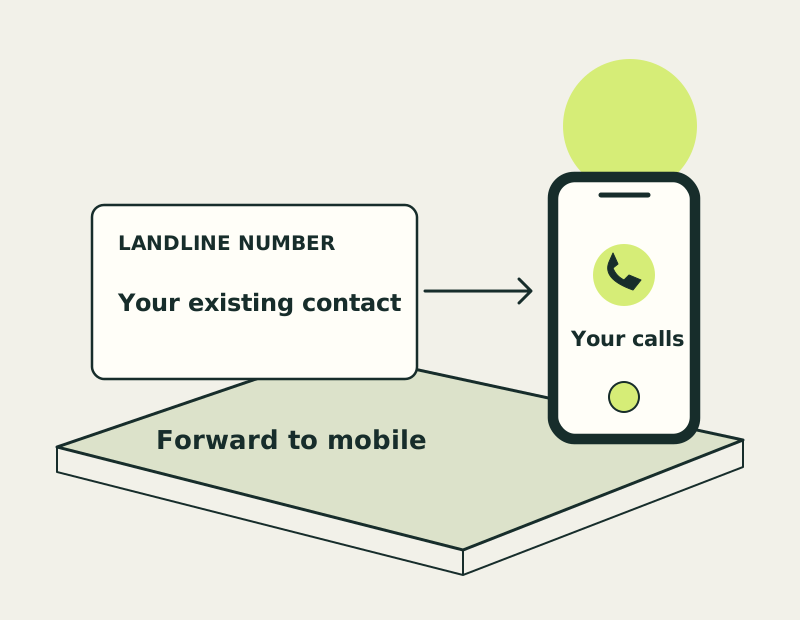
Use a landline number without a desk phone
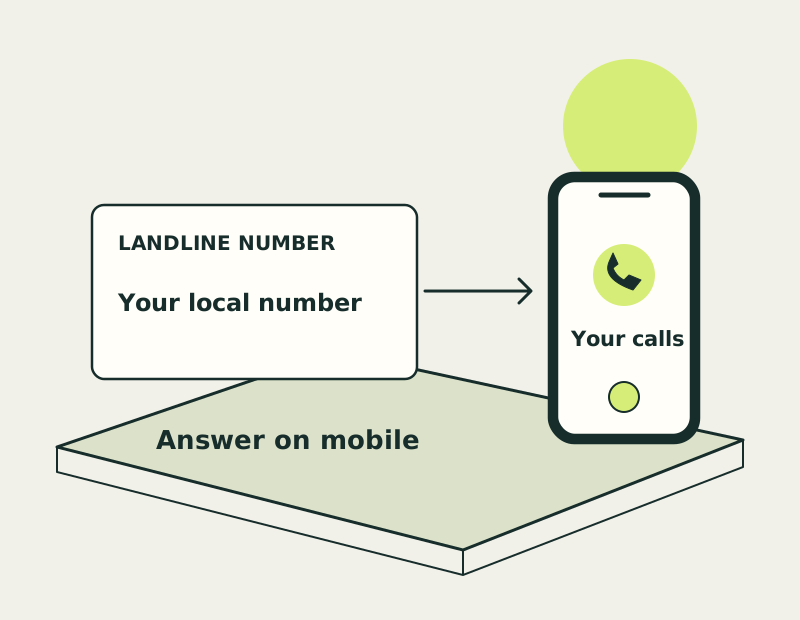
The public number and the answering device do different jobs. A geographic number gives callers a familiar area code; a suitable virtual service can deliver its calls to an app or another phone.
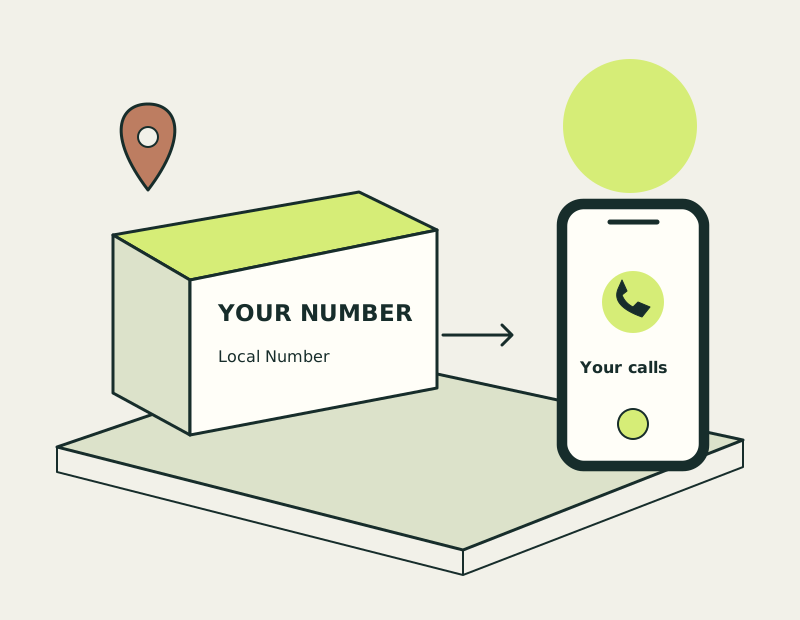
Choose your local area code
Start with the area your callers associate with you or your business. If you serve several areas and a local identity is not important, compare a national number before choosing a geographic one.
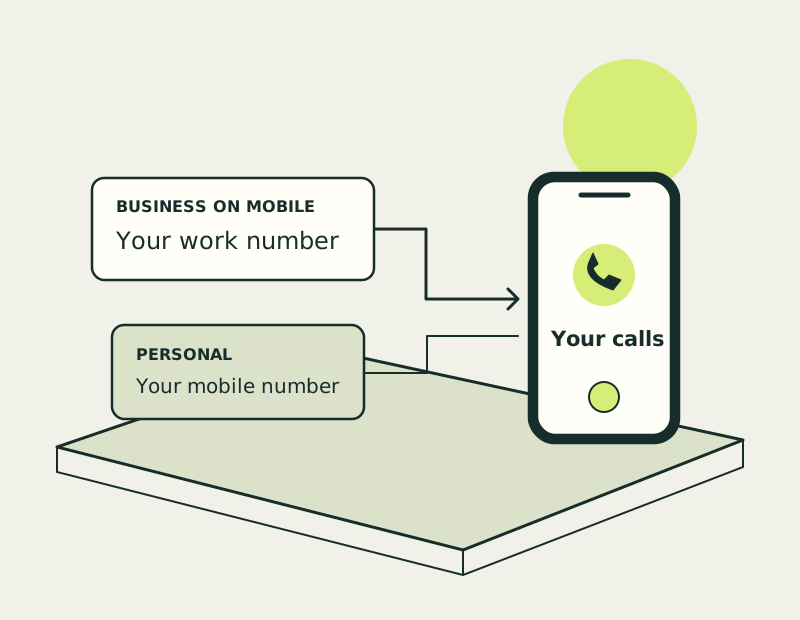
App calling and mobile forwarding
App answering uses a data connection. Forwarding sends the call to your mobile number and may use an allowance or incur charges. Check how outgoing calls work too if you want the same number to appear when calling back.
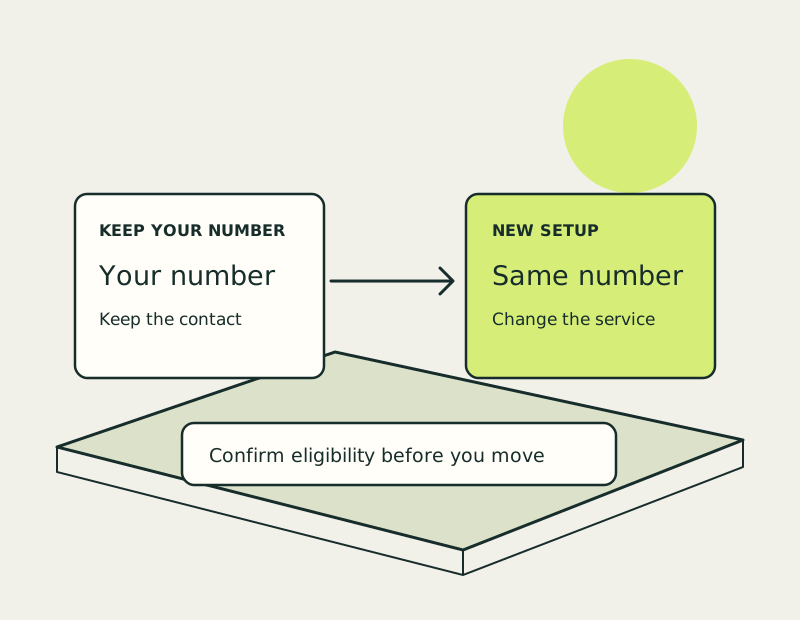
Keep an existing landline number
If you already have a landline number, do not order a replacement automatically. You may need forwarding while keeping the current line, or porting if you want the number hosted by a different service.
Check mobile answering plans
Choose a plan around your connection, incoming calls and callbacks. The next link opens the current plans so you can compare a mobile-friendly setup and its charges.
A few practical answers
Get a Landline Number on Your Mobile: common questions
Do I need a physical landline connection?
A virtual number can use app answering or forwarding rather than a traditional desk handset. The exact requirements depend on the plan.
Can I choose a local area code?
You can explore geographic number options for the area you need. The provider confirms which numbers are available.
Can I use my existing landline number instead?
Possibly. Check porting eligibility, or consider forwarding if you want to keep the existing service.